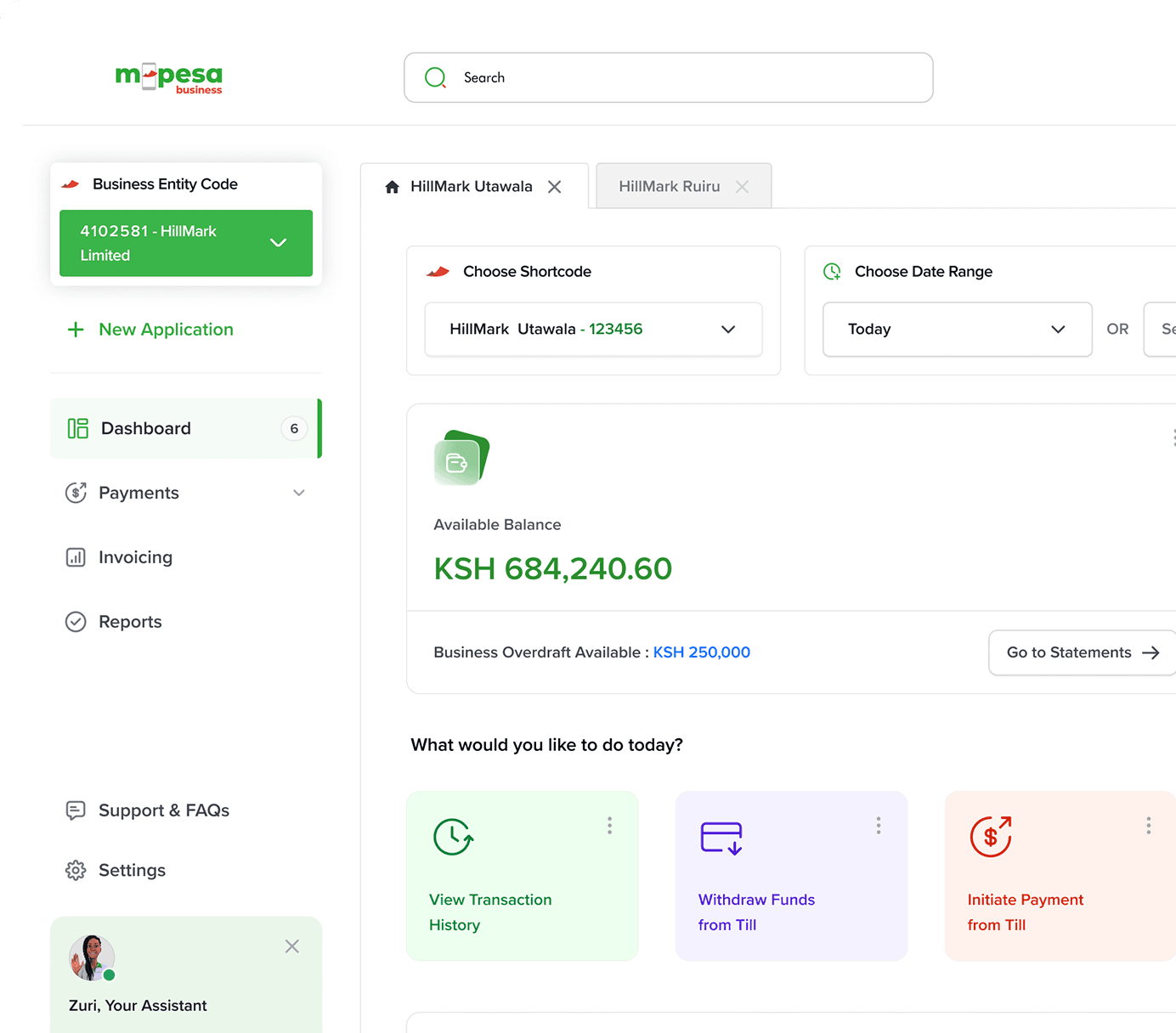
All-in-One
From applying for a business till, to integrating with our APIs on Daraja, you can now access all Business Payment services within a single platform. We've listened, and its now easy, convenient, and hassle free
Browse categories of smart solutions tailored for your business needs
1, 7 or 21 day loans facilities for your business. Offered to our Buy Goods partners (Business Till). Our Loan limits range from Kshs 100 to Kshs 200,000
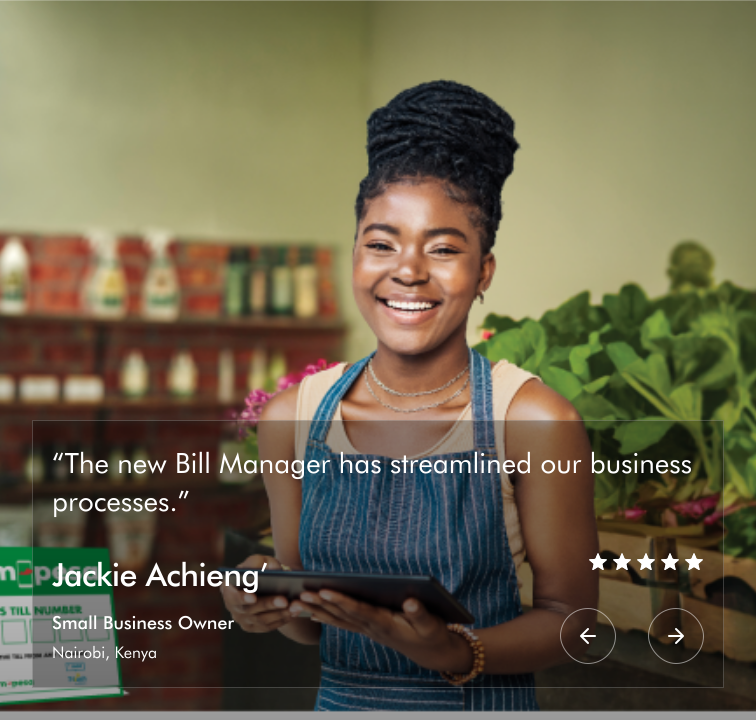
Send Invoices, collect payments, issue e-receipts and reconcile your transactions with ease. Opt into Bill Manager and take control of your billing process today.
Take control of your business finances with ZiiDi Biashara! Choose when and how much to invest, watch your money grow, and access your funds anytime.
Device Insurance Product offers insurance cover for your smartphones. Protection against accidental damage and is open to Lipa mdogo mdogo phones customers.
Everything you need to know about our new M-Pesa Business Hub Portal.
A one-stop digital platform that allows businesses to manage all Safaricom merchant services in one place, including Paybill, Till, Bill Manager, Lipa na M-PESA Online (LNM), Merchant Bulk Payments, Bulk Airtime/Bundles, Split Payments, and account insights.
Any business or organization with a registered Safaricom merchant account.
You can sign up on the M-Pesa Business Hub by clicking the sign-up button and enter your first/last name, email address and phone number. You will then receive a successful registration link with further instructions on how to change password and login.
You can log in to the M-Pesa Business Hub using your email and password and your registered business administrator or Finance contact. Future updates will include mobile app access.
No. Existing M-PESA Business Portal (MBP) users and other Safaricom merchant service users will be migrated automatically. You will just need to verify and update your details upon first login.
Yes, you can apply for a buy goods, business Till/short & long term Paybill as well as B2C on M-Pesa Business Hub. Simply open the link and click on Apply for a Till/paybill and select the product.
To know the status of a pending application, click on “My Applications” tab and enter your phone number to receive a unique OTP (PIN) sent via SMS. A list of all applications made by you shall be displayed. Only the applicant can view the status of the application.
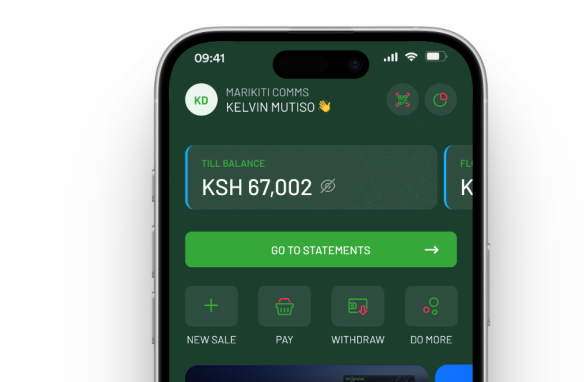
The M-PESA Business till is an enhancement of the existing Buy Goods Till that enables business owners to collect payments on the till and use the money collected to make other transactions directly from their till such as:
A Short-Term Paybill is a product that enables the raising of funds for different needs e.g., medical bills, funerals, weddings, education, and for charity/catastrophe, etc. It is designed to be used for a short period to serve a specific goal.
Paybill is a cash collection service that allows an organization to collect money on a regular basis from their customers through M-PESA. It is an M-PESA mode of collecting funds.
Payments are customer-initiated, and the receiving organization may have a unique identifier i.e., account number. It is designed to be a long-term product.
The Bulk Payment (B2C) service enables an organization to make payments/disbursements from a given M-PESA short code to mobile phones of individuals in real-time at the click of a button.
Yes, applying and getting M-PESA Till or paybill is free of charge.
| Transaction | Tariff |
|---|---|
| Pay to another Business Till (Buy Goods till) | 0.27% capped at KSh 200 |
| Pay to a mobile Number (B2C) | Existing M-PESA send money charges to apply. M-PESA Charges (safaricom.co.ke) |
| Pay to a utility till (Paybill C2B) | Standard Paybill charges apply. |
| Merchant Withdraw at agent | Standard agent withdrawal charges apply. M-PESA Charges (safaricom.co.ke) |
| Merchant Sell Airtime | 5% Commission earned by the merchant. |
Yes, M-Pesa Business Hub consolidates all your merchant accounts so you can view balances, statements, and transactions in one place.
Use the Roles & Permissions feature to assign roles (Business Admin, Business manager, Business operator, Auditor etc.). You can add/remove users and control their level of access.
M-Pesa Business Hub uses Safaricom’s enterprise-grade security including OTP verification, encryption, and role-based access to ensure safe transactions.
Yes, the organization will have an option to validate the customers phone number against their identification documents and numbers during initiating transaction.
Split Payments allow you to automatically route a percentage or fixed amount of every transaction to different accounts (e.g., suppliers, partners, franchise accounts).
A tool for businesses to create and send digital invoices or bills to customers, who can pay seamlessly through M-PESA.
Acquiring and using the Bill manager portal is free but for transactions M-PESA charges apply.
Yes. M-Pesa Business Hub integrates Lipa na Mpesa, so you can view all online payments and reconcile them alongside Paybill/Till collections.
You can select from preset packages or input custom amounts in the portal and distribute to multiple recipients at once.
Yes, transaction limits follow M-PESA guidelines and your business account tier.
Yes. Reports can be exported in Excel, PDF, or CSV formats.
The Mpesa Business portal will be gradually phased out. All users are being migrated to M-Pesa Business Hub, with full access to previous data and services, same to Bill manager Portal.
No. If you are already using the Merchant Business Portal, you will keep your current Business Entity.
No. Your transaction history will be carried over and accessible on M-Pesa Business Hub.
Yes. Training sessions, webinars, and knowledge-base guides will be shared with merchants to ease the transition.
Use the Forgot Password option or contact Safaricom Merchant Support for assistance.
Yes, for all support enquiries please send an email to: M-PESABusiness@Safaricom.co.ke or contact us on our pay bill support line via 0722002222 or 2222.
Yes, M-Pesa Business Hub provides APIs for developers to integrate payments, reconciliation, and reporting directly into their business systems.
Planned updates include: